Thimeo Audio Stereo Tool
52-7554 XD3 IP Cores with Quad Core CPU can now run stereo tool natively. This enables one stereo / on air bus processing for digital playout & distribution. It comes preinstalled with every suitable device and can be tried out in Demo mode.
Running Stereo Tool on DHD XD3 Cores
Terms and conditions of Thimeo Audio Technology B.V. apply. DHD audio is not responsible for the functionality provided by Stereo Tool. For support requests regarding Stereo Tool, please contact Thimeo Audio Technology B.V.
Stereo Tool requires a special license to run on DHD Devices, which can be obtained here. Standard Stereo Tool licenses will not work!
Stereo Tool only runs on 52-7554 XD3 Cores with Quad Core CPU.
Enabling/Disabling/Restarting Stereo Tool in Web Apps
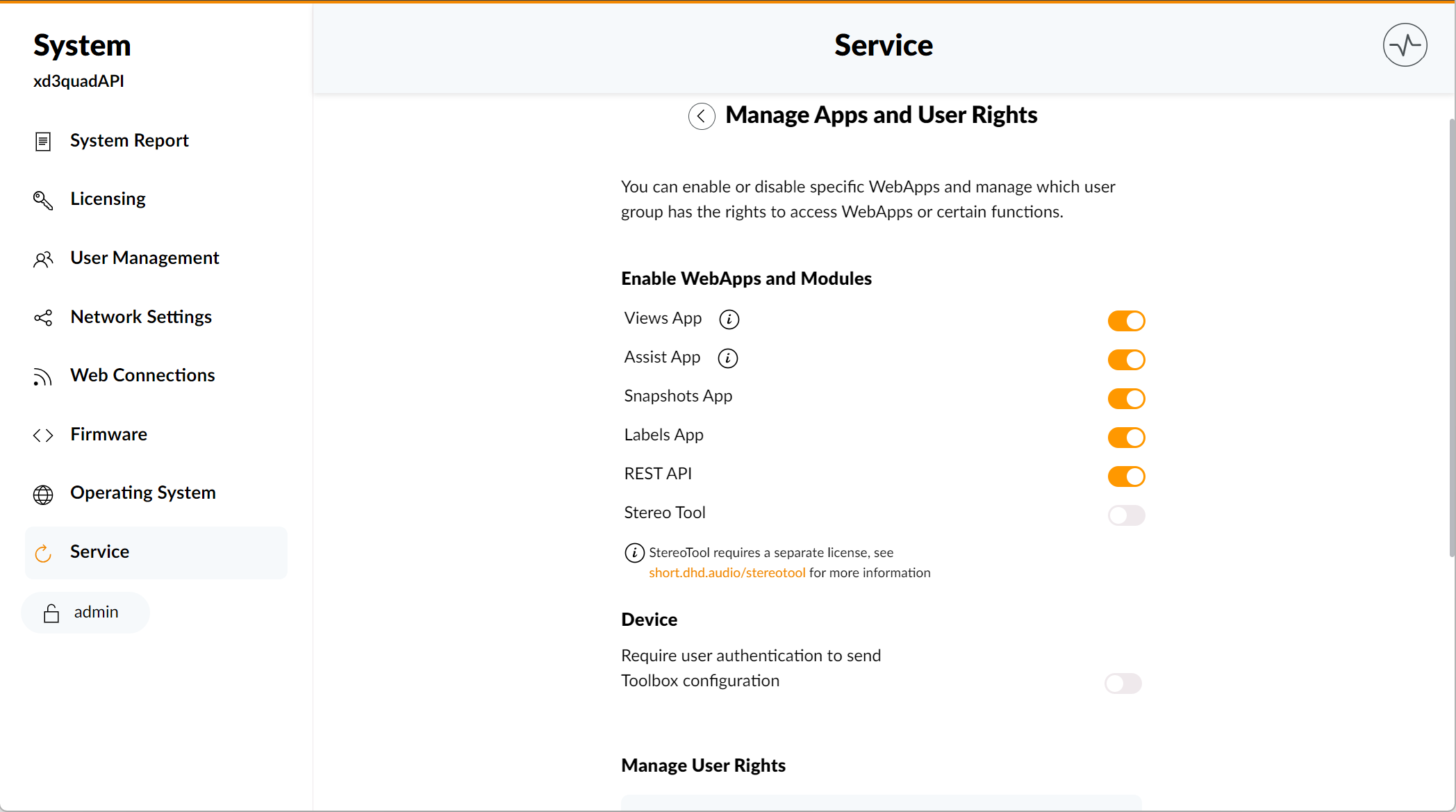
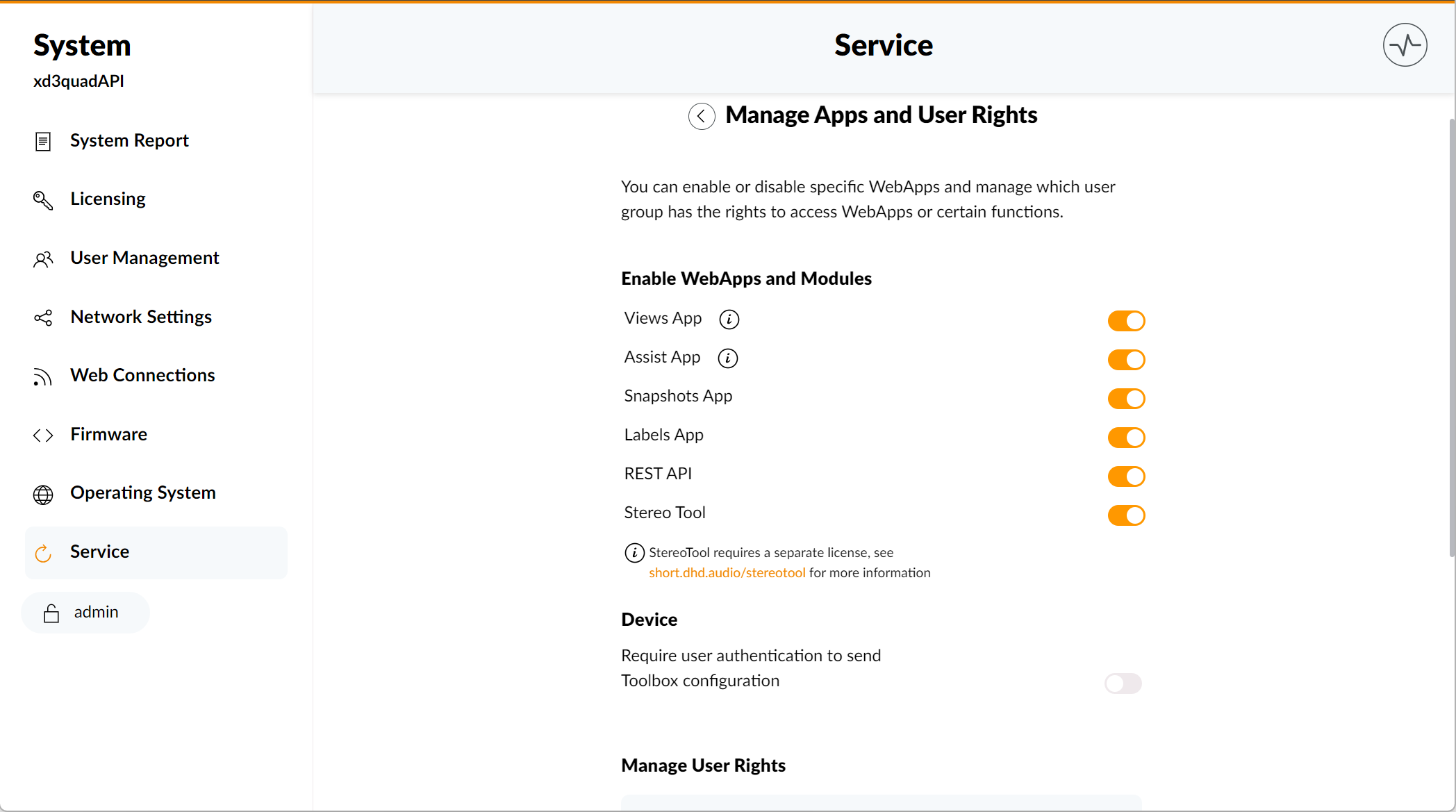
To enable or disable Stereo Tool in Web Apps:
- log in as a user with sufficient rights
- go to
System App>Service>Manage Apps and User Rights - Click the
Stereo Tooltoggle switch - disabling and re-enabling it will restart the Stereo Tool app on the device
Setup User Rights
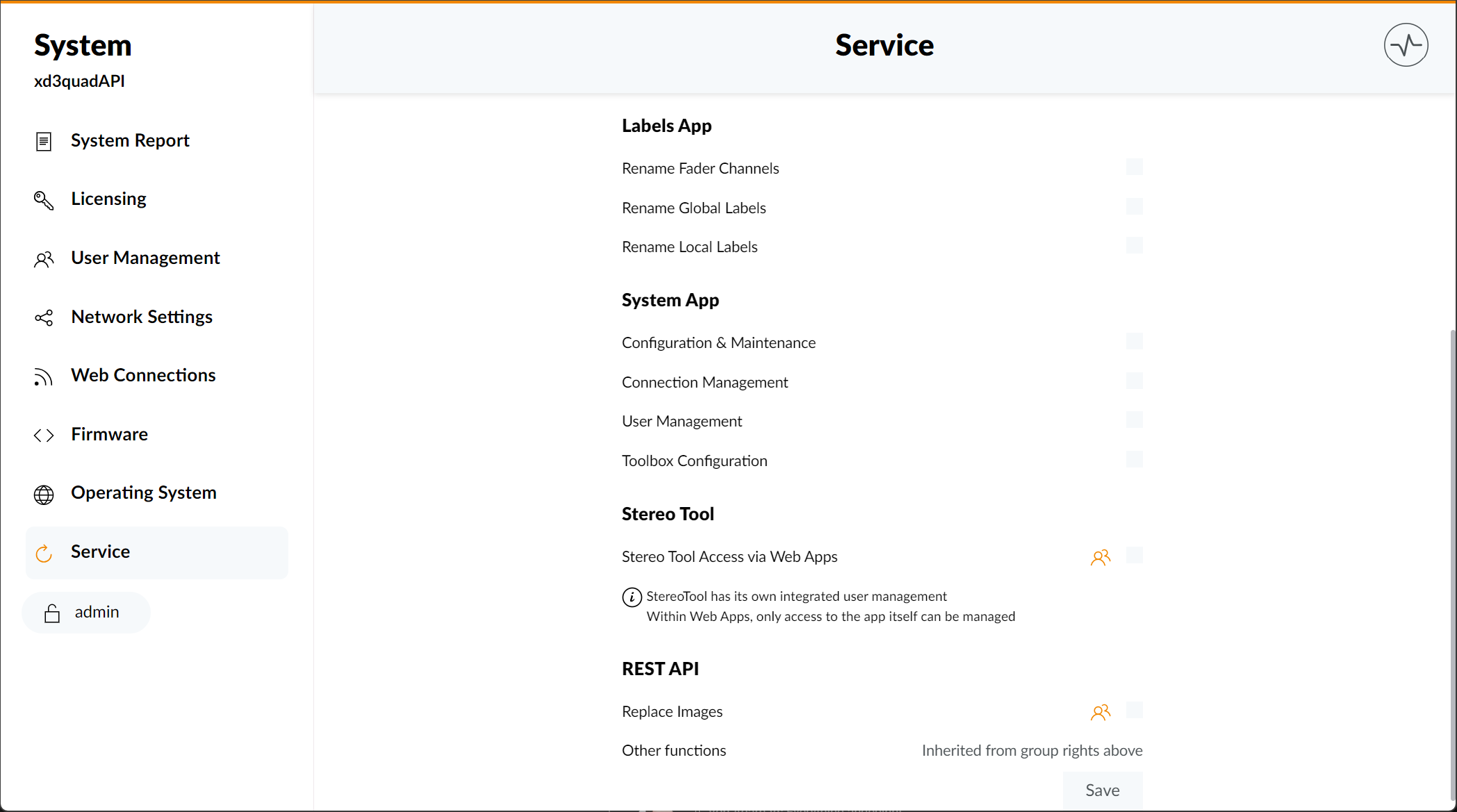
To manage basic access to Stereo Tool:
log in as a user with sufficient rights
go to System App > Service > Manage Apps and User Rights
In the Manage User Rights section, select the user group you want to manage
Select / Deselect the Stereo Tool Access via Web Apps check box
Click Save
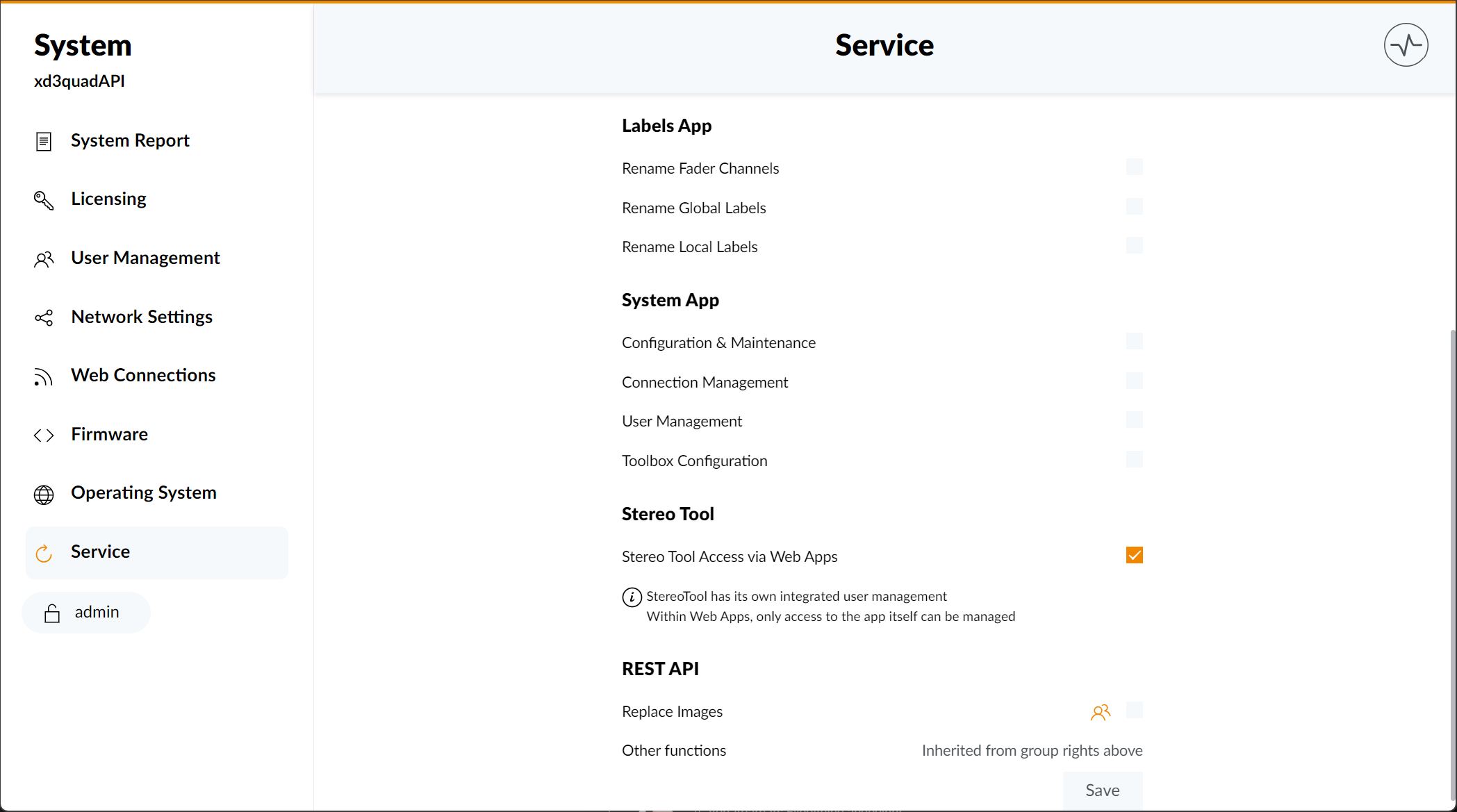
To enable Stereo Tool Access for anyone without login, enable Stereo Tool Access via Web Apps checkbox within the  Anyone user group. This will also disable the checkbox within any other user group.
Obtaining a Stereo Tool License
Stereo Tool comes with each XD3 Core with quad core CPU as a demo version that will add some random audio distortion.
To obtain a valid Stereo Tool license, visit the Thimeo Stereo Tool Page), to buy it directly from Thimeo Audio Technology. After your purchase:
- Go To Web Apps and open Stereo Tool
- Within the Stereo Tool web interface, click on the Settings Icon in the upper right corner and select License
- Enter your license key
- The license will be stored on the Device's internal memory
Toolbox Configuration
Route Audio to and from Stereo Tool

- Add 52-7554 XD3 IP Core with quad-core CPU to device list
- Open Device > I/O-Overview, select
internal audionode of the XD3 IP Core - Route audio to/from Stereo Tool Send / Return I/O
Stereo Tool is treated like any audio source and sink within the DHD Core. Stereo Tool send-and-return can be used like any other I/O.
Audio Flow and Latency
Stereo Tool introduces, depending on the selected processing, a significant amount of latency. Just as any other external On Air processor does. We recommend to use it only as a bus processor.