Administration
If you want to limit access to certain functions, you have to create authorization groups. You should also create user accounts and assign the users to the authorization groups.
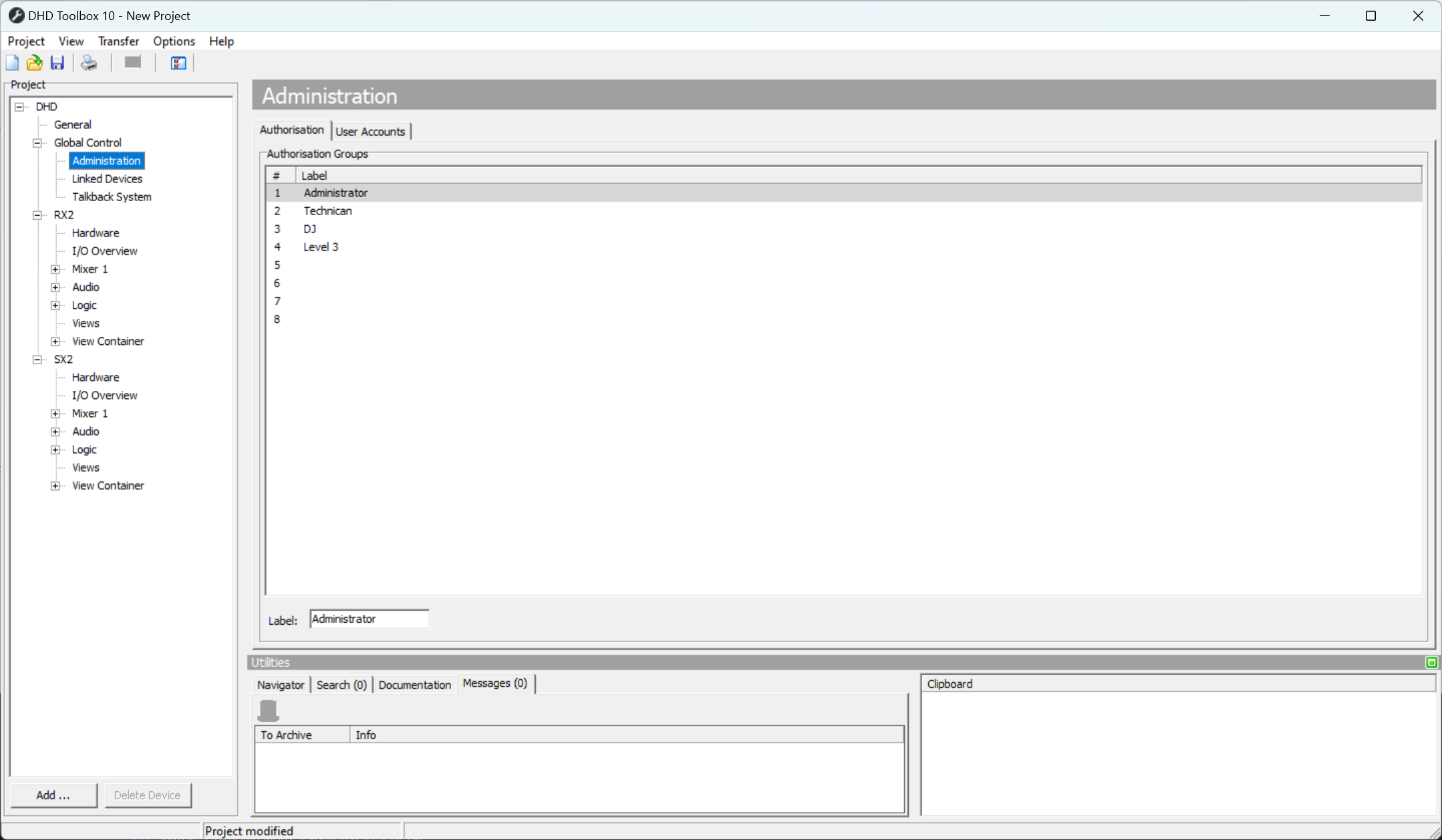
In the project tree under Global Control, select the sub-section Administration to edit the user rights.
Authorization groups
In the Authorization tab you can see a list, which shows a maximum of 8 possible authorization groups that are marked by a serial number Nr. Authorization groups can neither be added nor deleted. You can type a name for each group in the Label box below the list.
User Accounts
Click on the User Accounts tab to create user accounts and assign them to authorization groups. With the Add button in the User List area you can create up to 20 users. Click Remove User to delete a selected user from the list.
In the Edit User area, you can change several user settings. Enter a name for a user in the User Name box. Select the Display User Name check box to show the name of the logged in user in all OLED displays of the control modules.
For each user, you can add a password in the Password box. The password can contain uppercase letters, lowercase letters, numbers and additional characters, but only ASCII-letters.
Toolbox also generates a user token which you can use for WebApps. You can copy it to your clipboard by clicking Copy or generate a new user token by clicking Generate.
You can log-out the users automatically after a defined duration. After this duration the user has to log in again. Choose this duration from the Autolock drop-down menu. You can select 2, 5, 10, 15, 20 or 30 minutes or select (Off) to disable this feature.
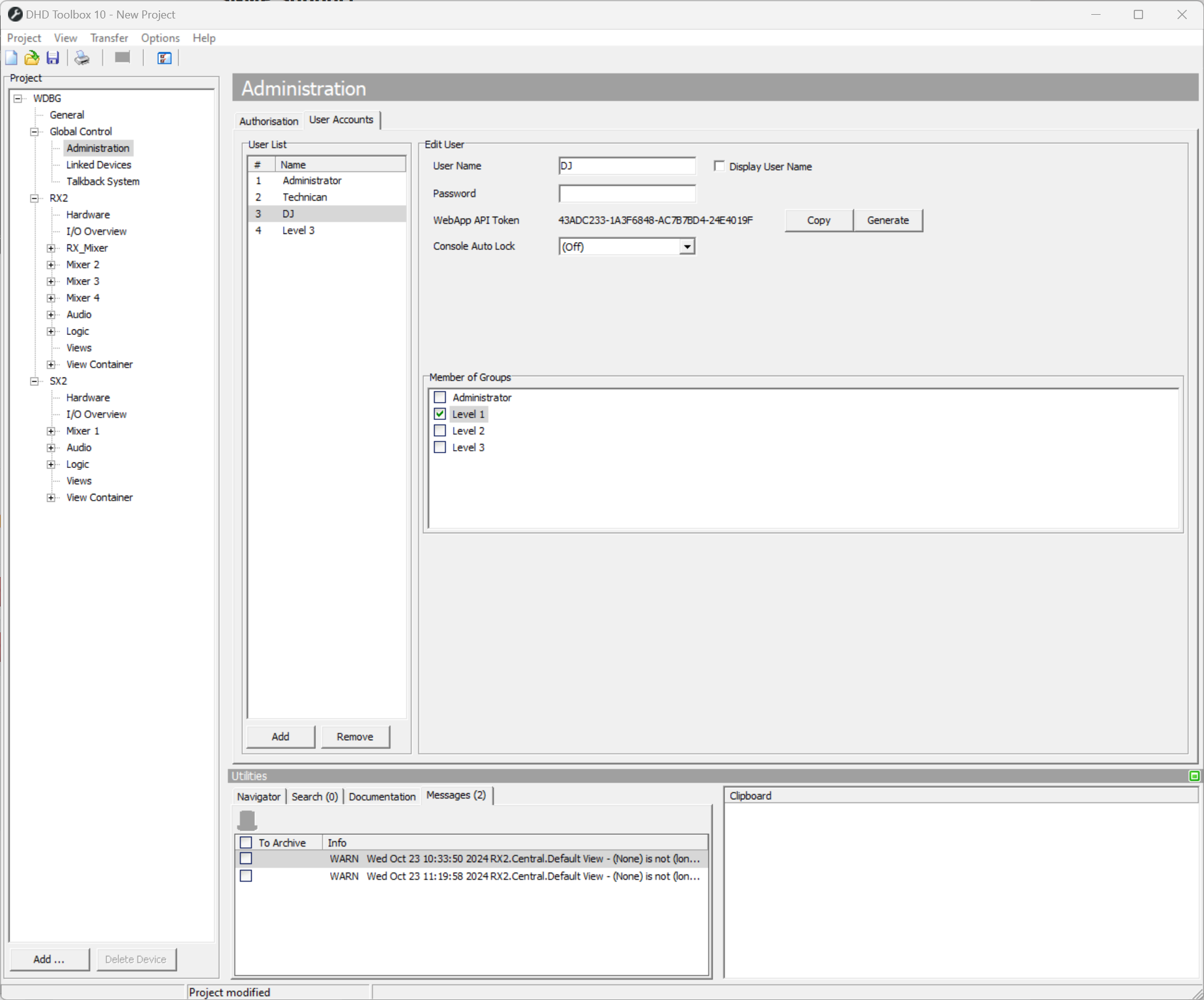
In the Member of Groups area, you can see all configured authorization groups. Select the check boxes in front of the group names to assign the currently selected user to one or more authorization groups.
For detailed authorization settings for each user group see Authorization.