Administration
If you want to limit access to certain functions, you have to create authorization groups. You should also create user accounts and assign the users to the authorization groups.
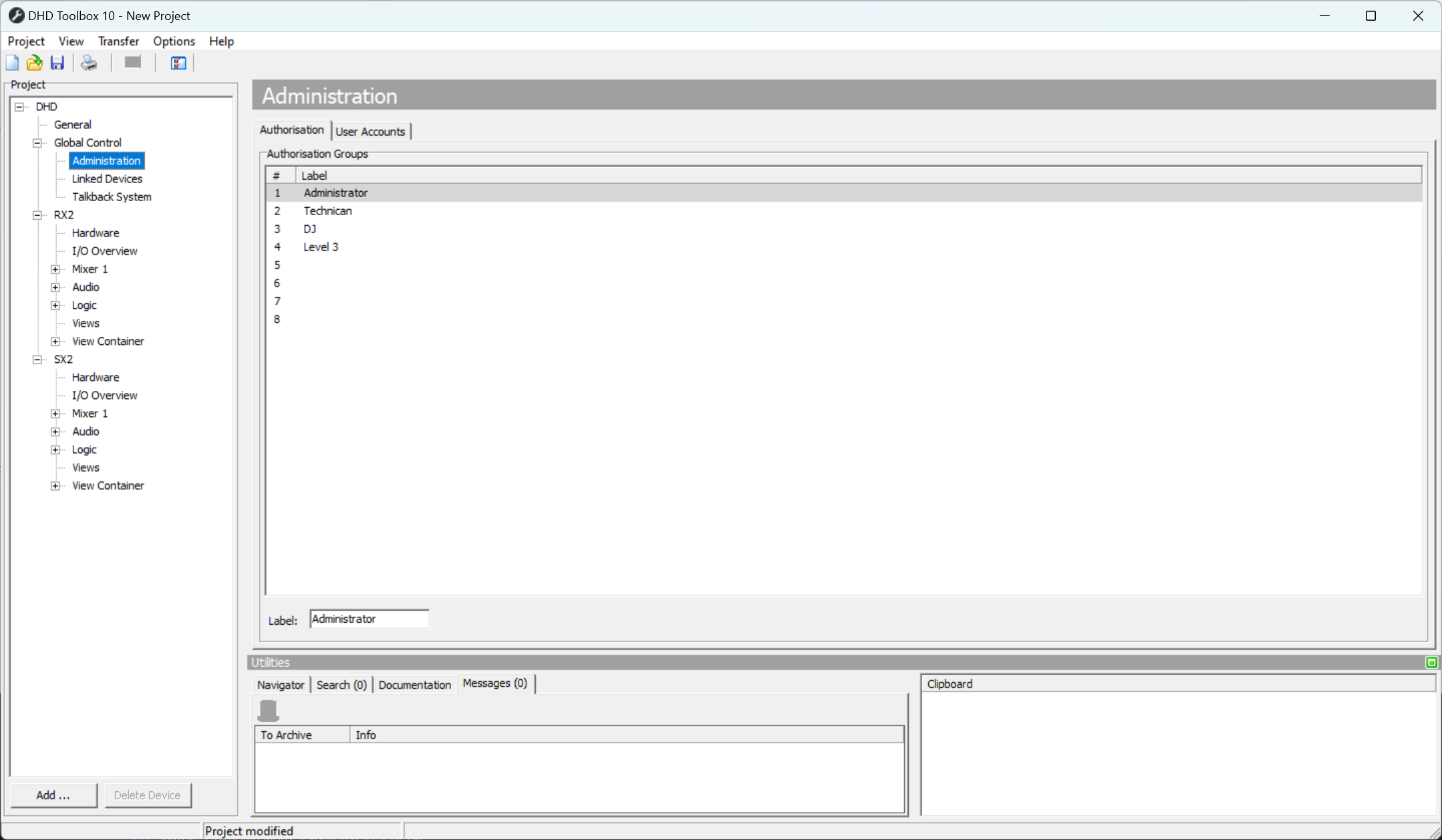
In the project tree under Global Control, select the sub-section Administration to edit the user rights.
Authorization groups
In the Authorization tab you can see a list, which shows a maximum of 8 possible authorization groups that are marked by a serial number Nr. Authorization groups can neither be added nor deleted. You can type a name for each group in the Label box below the list.
User Accounts
Users created in Toolbox, are now deprecated and read only. Use System App instead. For sharing user accounts with other devices use user server functionality.
When upgrading a config from 10.0 or below, you will still be able to oversee user accounts made in former Toolbox releases.
For detailed authorization settings for each user group see Authorization.